On tap the ••• and then tap “Open in browser” to open this page.
On tap the ••• and then tap “Open in external browser” to open this page.
On tap the ••• and then tap “Open in browser” to open this page.
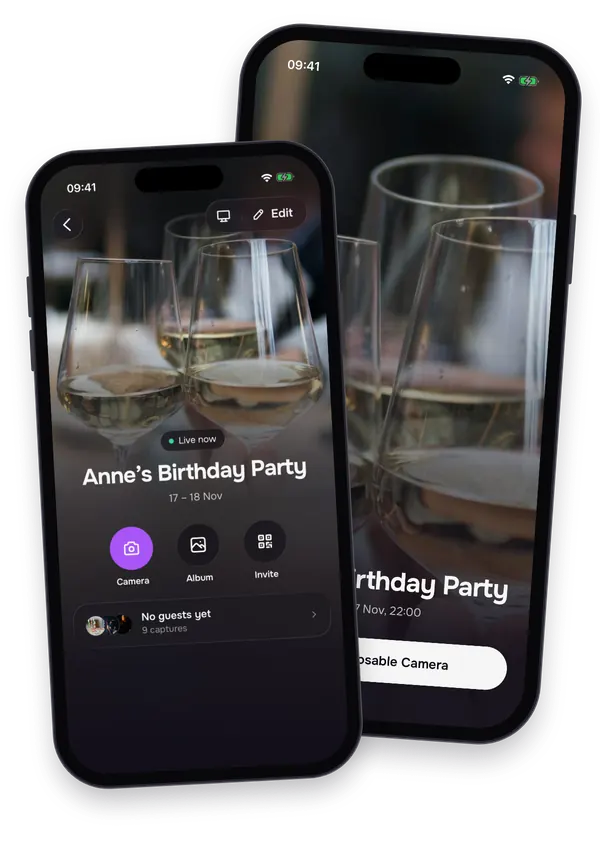
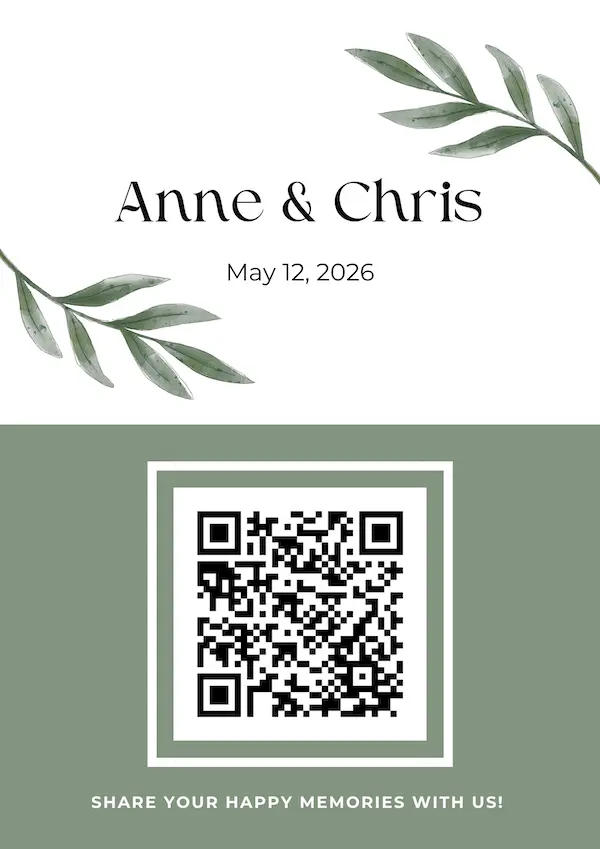
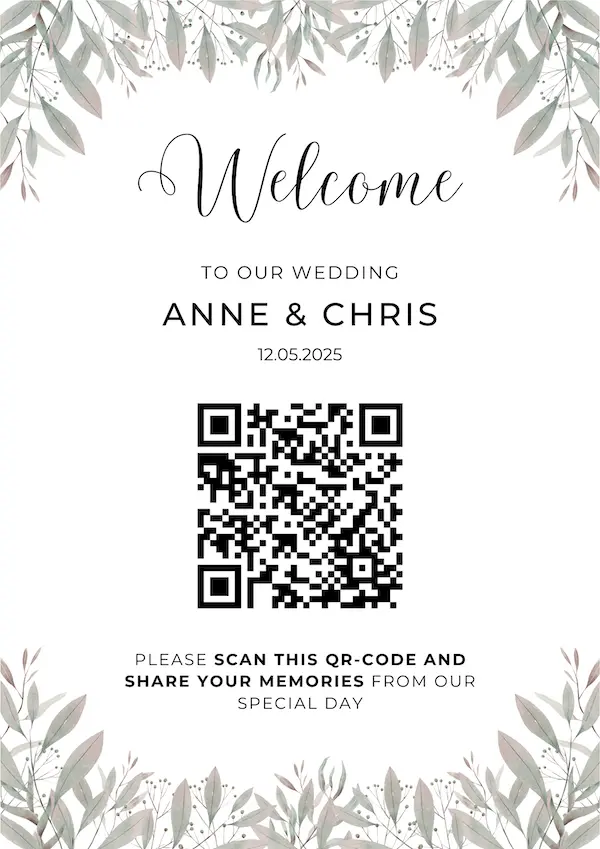
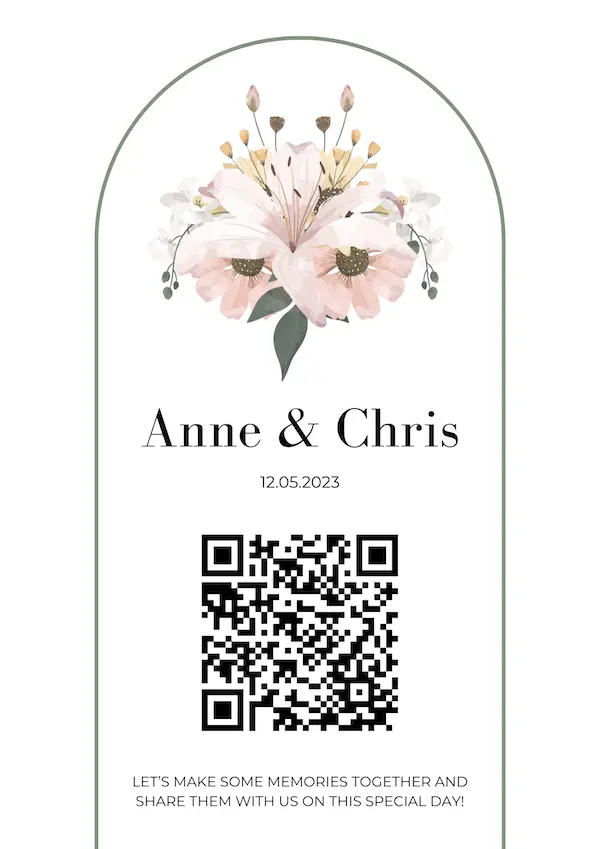
The event photo sharing app with one QR code
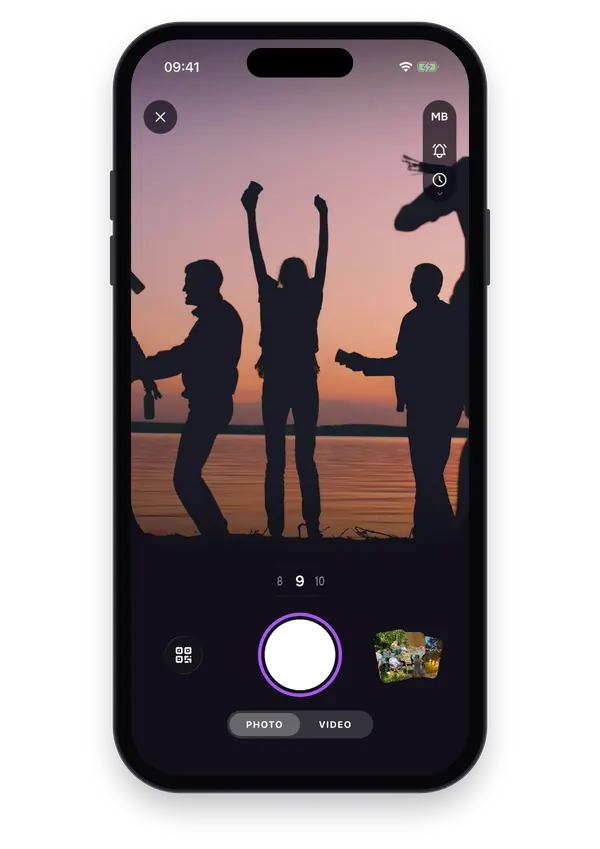
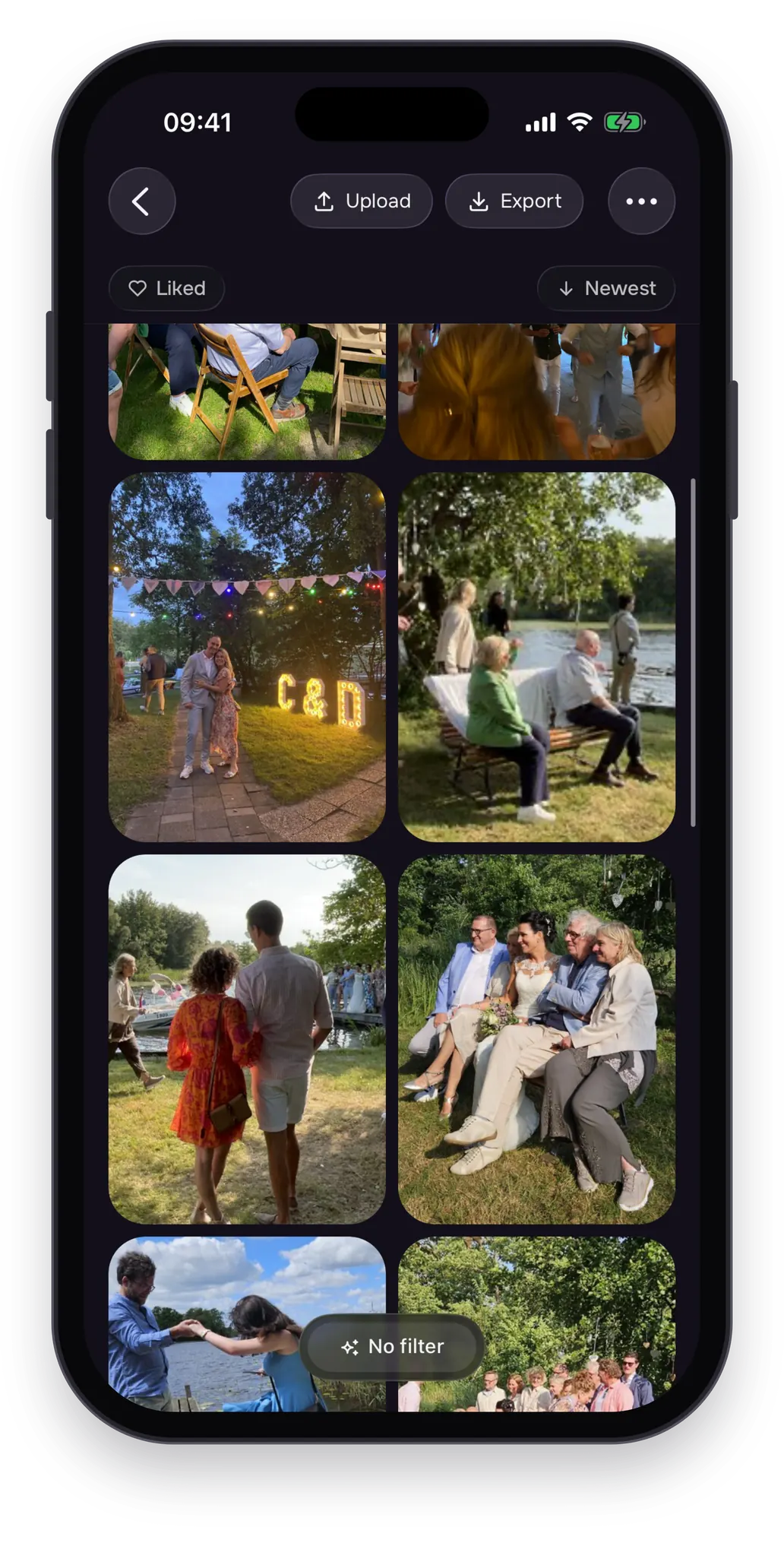
Lense is the event photo app for the days you don't want to forget. You can't be everywhere at once, but your guests can. They catch the moments you miss, and you get to see every one of them in one shared album.
“This is hands down the best disposable camera app around. The pricing is perfect and the add-ons are wonderful. Everyone loved being able to see the photos taken by the other guest. ”
KE
Kellee
United States
“We used Lense for our wedding, and we absolutely love to see all the pictures our guests took during the day. Lense is amazingly simple to set up and I would recommend to anyone who wants to keep many memories of a special day.”
AH
Anne Harryman
Bath, UK
“This was a great addition to the traditional wedding photography! Everyone enjoyed it, will cherish these photos”
Doesn't sound like much? With 50 guests taking photos, you get around 550 photos. With 100, you get around 1,100: the selfie at the bar, the blurry dance floor, grandma's laugh, the moment someone almost dropped the cake.
While you're busy hosting, your guests keep taking photos. After the event, you find them all in one shared album.
50 guests≈ 550 photos
FAQ
Answers to the most common questions about event photo sharing with Lense. Do you want to know what your event costs? See all plans on the pricing page.
Do guests need to download an app or create an account?
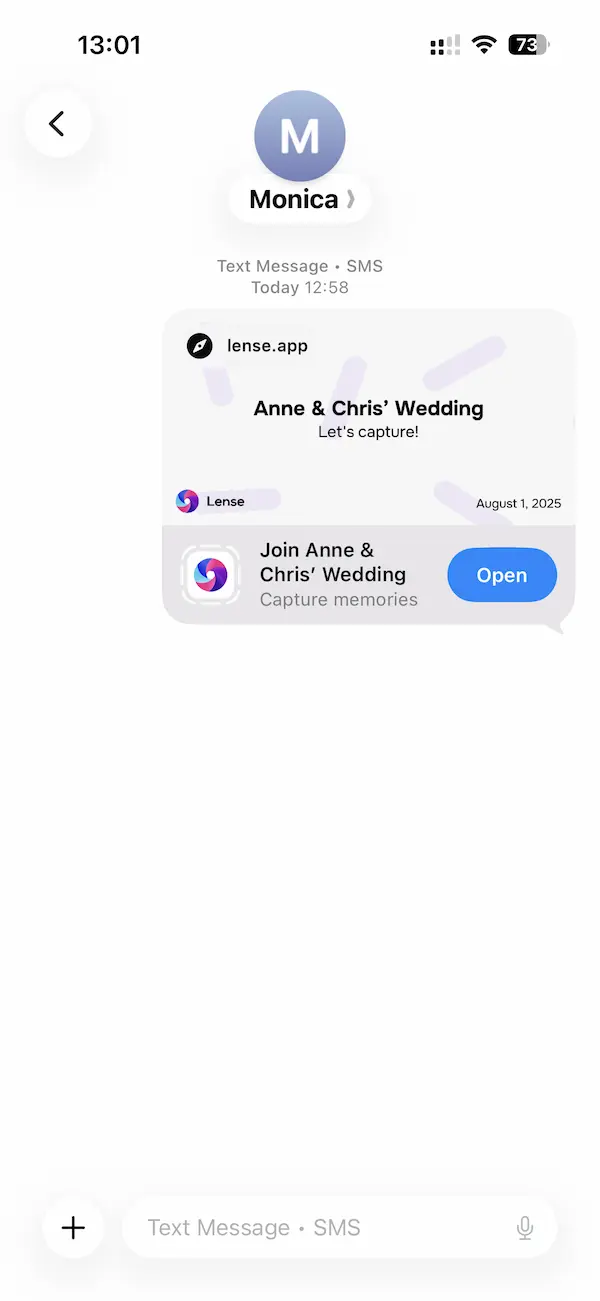
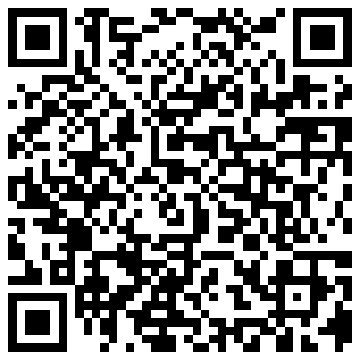
No. Guests scan the QR code, enter their name and can start right away. On iPhone, Lense opens as an App Clip through a pop-up, so nothing gets installed from the app store. That's simply how guests join.
Does it work on iPhone and Android?
Yes. Guests can join on both iPhone and Android by scanning the QR code. The camera on the lock screen is only available on iPhone.
Can I choose when guests see the photos?
Yes. When you set up your event, you choose: show photos instantly, after the event ends, or after a set number of hours. You can also keep the album private so only you see it. You can change this setting at any time.
How many photos and videos can each guest take?
You decide. By default guests can take up to 25 photos each, which keeps the album full of real moments. Want more? Add unlimited photos, or videos of up to 1 minute, when you set up your event or later.
Can I delete photos during the event?
Yes. A built-in filter flags inappropriate content, and you can delete photos, videos and comments at any time, before or after the reveal. You can also remove guests who don't belong at your event.
What happens if guests have bad reception?
Guests need internet once to join your event. After that, photos they take offline are saved on their phone and uploaded automatically as soon as they're back online.
How do I get all the photos after the event?
As the host, you download the whole album at once, in original quality. Guests can save their favorite photos one by one once they're revealed. The album stays available in Lense for 12 months.
What is an event photo sharing app?
An event photo sharing app collects the photos and videos your guests take into one shared album. With Lense, guests join by scanning a QR code, so there's no group chat, no lost photos and no chasing people for their pictures after the event.
Is there a free event photo sharing app with a QR code?
Yes. Lense has a free plan for events with up to 7 guests, including your QR code, the live photo wall and the shared album. It's also a good way to test everything before a bigger event. For more guests you pay once per event, starting at $4.99.
What's the best event photo sharing app with a QR code?
The best app is one your guests can join in seconds. Look for no app download, one QR code for everyone, original-quality downloads and control over who sees what. Lense adds a camera on the lock screen (iPhone), a live photo wall and a reveal you time yourself.
Can I use Lense for a company event or conference?
Yes. One QR code works for any group size, up to 500 guests per event. Show photos live on the screen during the event, and download everything afterwards for your social media or newsletter.