“It was super easy to use & made sharing photos through the trip easier! ”
SF
Shelbie Fuson
Bakersfield
On tap the ••• and then tap “Open in browser” to open this page.
On tap the ••• and then tap “Open in external browser” to open this page.
On tap the ••• and then tap “Open in browser” to open this page.
All your vacation memories, together in one shared album
Going on a trip with friends or family? Lense is a shared disposable camera for your whole group: everyone's photos and videos land in one vacation album. Friends join via a link or QR code, and the camera is one tap away from their lock screen, so nobody forgets to use it. Reveal all the photos together when you're back.
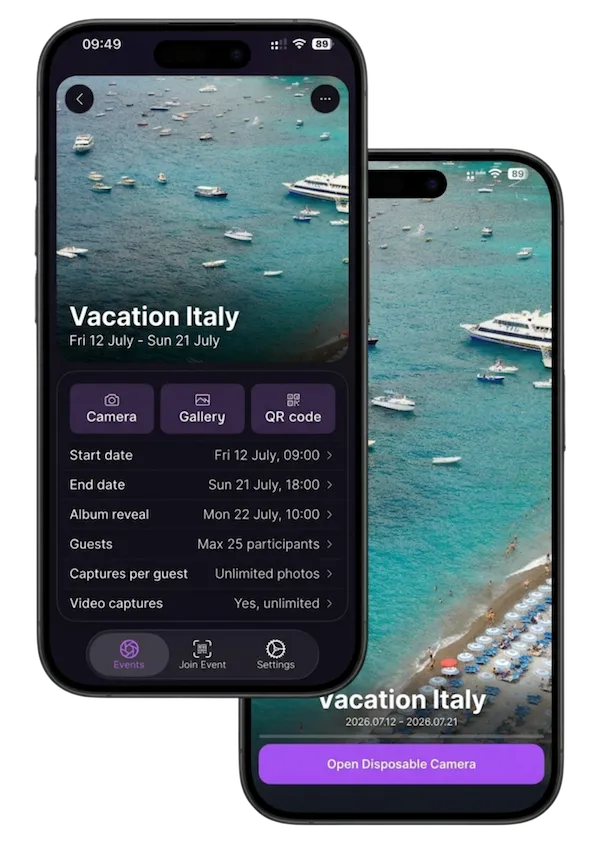
Set up your digital disposable camera in less than two minutes and match it to your travel plans.
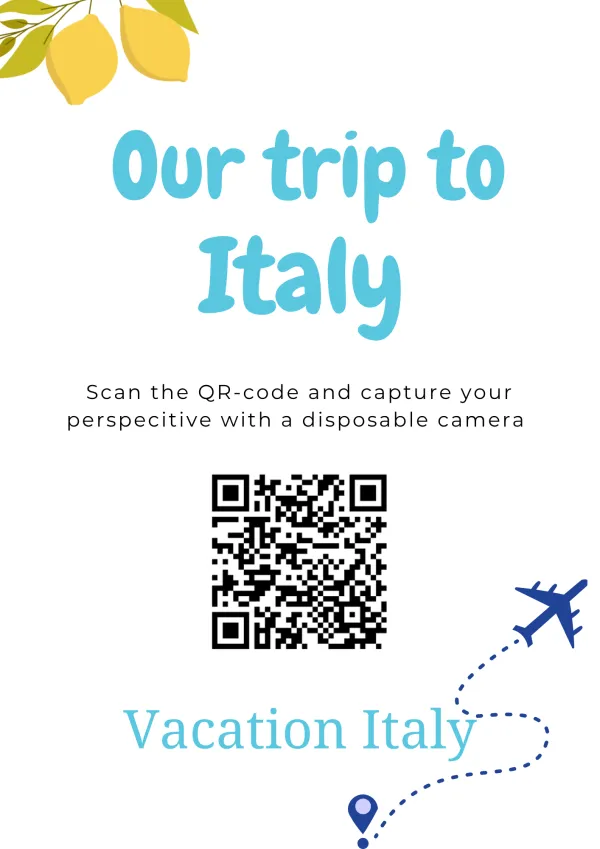
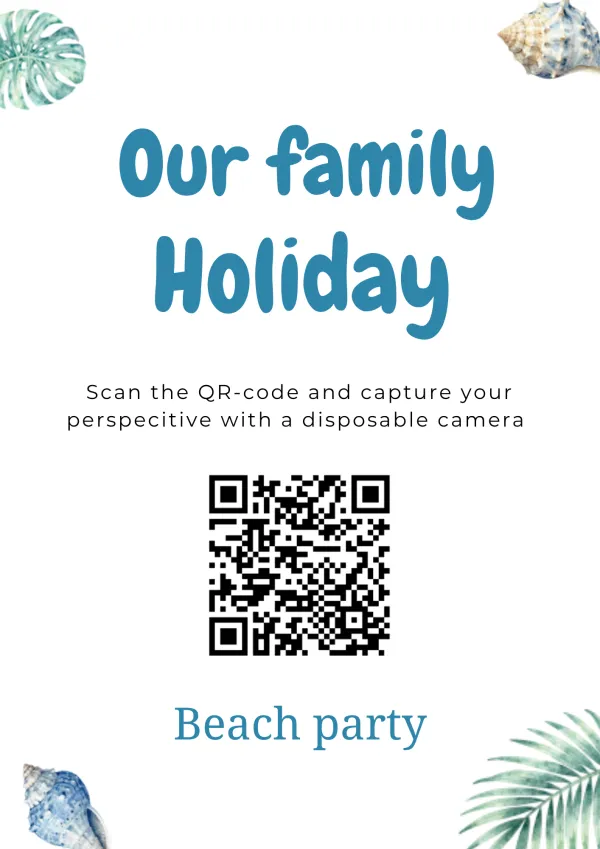
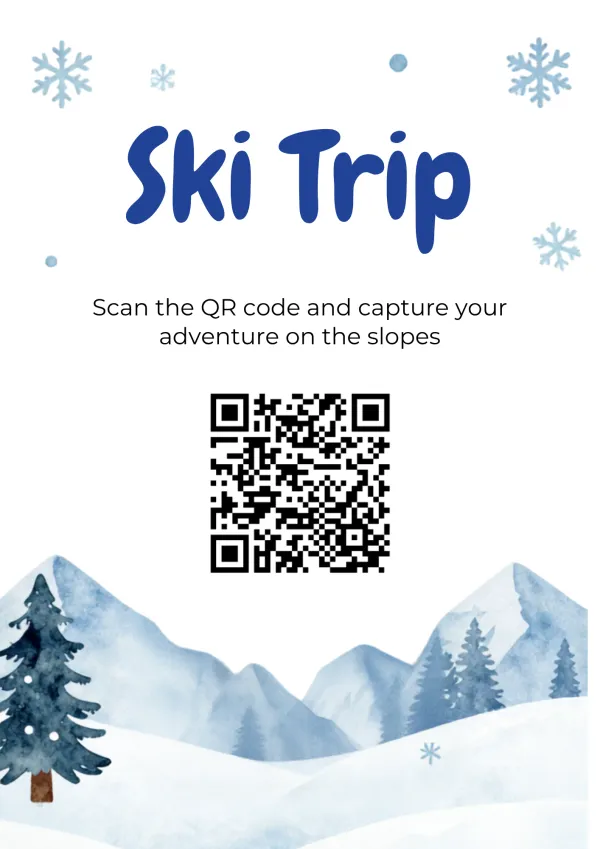
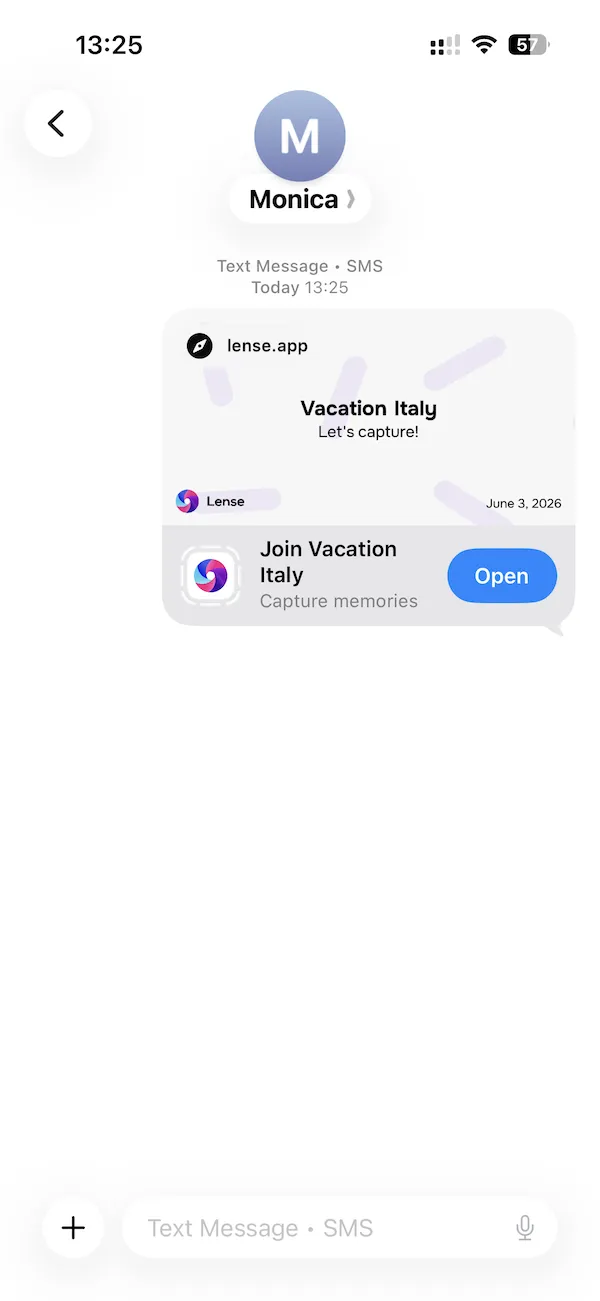
Get everyone on board before your trip begins. With a single link, you turn every phone in your travel group into a digital disposable camera.
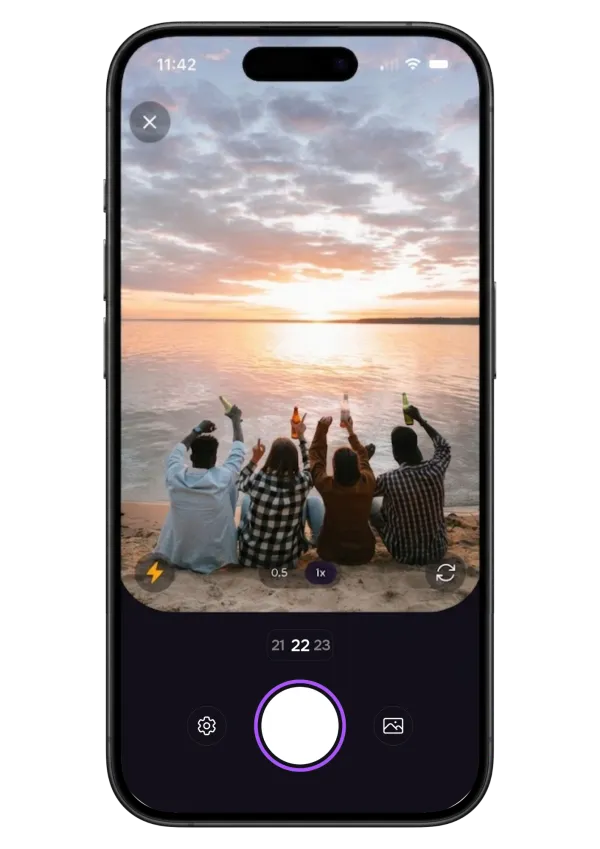
From sunny beach days to late-night dinners, Lense lets everyone snap and upload raw, unedited, and funny moments as they happen.
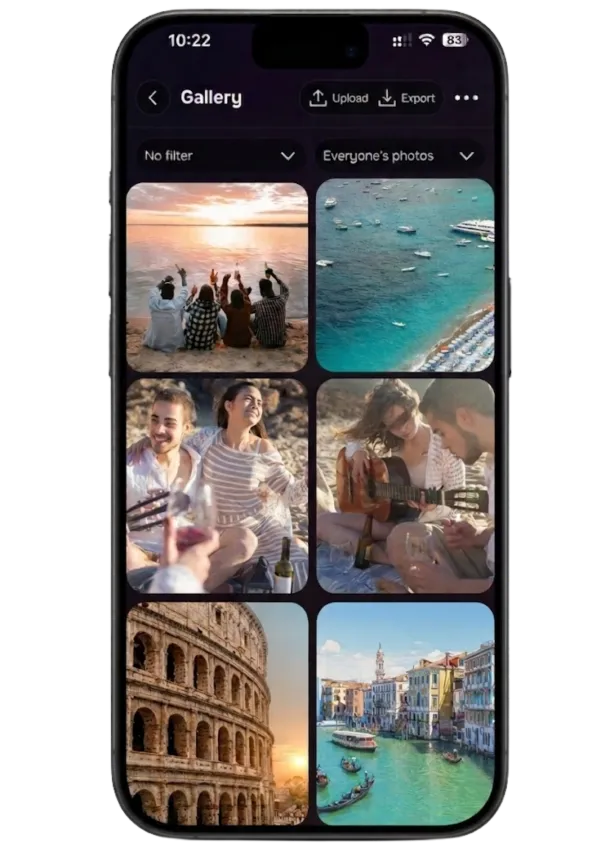
Relive your trip through everyone's eyes, with every candid moment in one place.
Share photos from a trip with friends without chasing anyone. Everyone snaps, and every shot lands in one album instead of ten camera rolls.
One family vacation photo album that everyone can add to, from grandparents to kids. Works on iPhone and Android, no accounts needed.
All your ski trip photos in one place, from first run to après-ski. Snap on the slopes, and photos upload as soon as you're back in signal.
Every stop, view and late-night drive in one road trip photo album. Shot by everyone in the car, relived together when you're home.
Limited shots make every photo count. No retakes, no endless scrolling, just the trip as it really was.
The camera stays on everyone's lock screen for the whole trip, so it's one tap away at the beach, on the slopes or at dinner. No digging for a link on day five.
Watch photos come in during the trip, or save them all for the flight home and see everything at once.
Want to share travel photos with friends and family back home? Send them an invite so they can follow your holiday gallery live as you travel. It's the easiest way to stay connected with friends or family at home, letting them enjoy every beach day and sunset from the comfort of their couch.
Rated 4.9 based on 3500+ ratings. Read reviews
“It was super easy to use & made sharing photos through the trip easier! ”
“I tested this app out as a presenting to use for our wedding in October, and it was amazing! We had a trip with friends and I loved seeing everyone’s Candids and artful shots! I will absolutely be using it for the wedding too!!”
“Loved using the app, super easy to use and made the trip more fun!”
Most parties fade by Monday. Here's how to throw one people still talk about weeks later: 15 ideas for before, during and after the party, including photo games guests actually play.
Luke ― October 1, 2026
Real film, real surprise, but also real costs. Here's what disposable cameras for your wedding cost, how many you need, and when a digital alternative is the better pick.
Luke ― May 20, 2026
Your wedding goes by fast. You remember the big moments, but a lot happens in between that you don’t fully see. The laughter, the reactions, the small things your guests notice. Most of those moments end up on your guests’ phones. And somehow, you never really get them back.
Luke ― September 23, 2026