Best Disposable Camera Apps for Weddings & Events (2026): 5 Compared
Last updated on October 28, 2026
Remember the disposable camera on every table at a wedding? Everyone took a few shots, nobody saw them, and a week later you got a stack of blurry, honest, wonderful photos. Real disposables are expensive now, and half of them never come back from the party.
A disposable camera app brings that feeling back without the film. Guests scan a QR code, get a limited number of shots on their own phone, and the photos stay hidden until the reveal. We compared 5 of the best disposable camera apps for weddings and events on price, shot limits, delayed reveal, how guests join and what you get during the event.

How we kept this comparison fair: we make Lense, but every app, ours included, is scored on the same eight criteria and weights, and where another app does something better, we say so. This way, you can decide which service fits your needs best. All information comes from each provider’s own website or App Store listing, linked and dated. Where an app doesn’t say something, we say so and score it 3 out of 5. No affiliate fees, no paid placements.
What makes a good disposable camera app?
A good disposable camera app feels like the real thing for guests and gives the host control. If joining takes more than a scan and a tap, guests won't bother. We scored every app on the same eight criteria and weights.
Criterion | What we looked at | Weight |
|---|---|---|
Disposable feel | Shot limit, delayed reveal, film look | 20% |
Easy to join | QR code, no app or account, iPhone and Android | 15% |
Host control | Reveal timing, shots per guest, moderation | 15% |
Pricing | One-time price upfront, free tier | 10% |
Flexibility | Camera roll uploads, video, unlimited shots | 10% |
Photo quality | Full-quality download, filter optional | 10% |
Extras | Live photo wall, lock screen camera, recap or photobook | 10% |
Reviews | App Store rating and number of ratings (US) | 10% |
We scored each criterion from 1 to 5, using only what each provider publishes.
This comparison covers event apps only. Wondering whether an app beats buying real disposables? Read our comparison of a disposable camera app vs. physical cameras.
The short answer
On our eight criteria, Lense scores highest (4.8 out of 5), followed by Scene (4.6) and POV (4.4).
Best overall disposable camera app for events: Lense, with the most complete package: a live photo wall and camera roll uploads included
Best known and most reviewed: POV, with 15,000+ App Store ratings
Best budget pick and film-style reveal: Once
Best value with video included: PartyCam, free up to 10 guests and $34.99 for 100 guests
Best for film styles and full-resolution photos: Scene, with a big-screen slideshow included
The 5 best disposable camera apps compared at a glance
We picked the five event apps hosts ask about most, listed alphabetically: Lense, Once, PartyCam, POV and Scene.
Prices
App | Free plan | Price for 100 guests | Unlimited shots | Video |
|---|---|---|---|---|
Lense | Up to 7 guests | $34.99 (25 shots per guest) | +$10 | +$9.99 |
Once | Up to 5 guests | $29.99 | +$9.99 | Not listed |
PartyCam | Up to 10 guests | $34.99 (25+ shots per guest) | Not listed | Included (in the app) |
POV | Up to 10 guests | $34.99 | Not listed | Not listed |
Scene | Up to 5 guests | $39.99 (App Store: $49.99) | +$9.99 | +$9.99 |
Features
App | Guests need an app | Android app | Shot limit | Delayed reveal | Camera roll uploads | Live photo wall |
|---|---|---|---|---|---|---|
Lense | No | Yes | ✓ | ✓ | ✓ | ✓ included |
Once | No (App Clip or browser) | No | ✓ | ✓ | Not listed | – |
PartyCam | No | Yes | ✓ | ✓ | Not listed | ✓ in app-made events; +$9.99 on paid web events |
POV | No (App Clip or browser) | Yes | ✓ | ✓ | Not listed | +$20 (business package) |
Scene | No (browser or App Clip) | Yes | ✓ | ✓ | ✓ | ✓ included |
✓ = included · Add-on = extra cost · – or "Not listed" = not stated by the provider. Prices in USD, one-time per event. Checked on 14 October 2026; prices may change.
The 5 disposable camera apps in detail
Lense disposable camera app
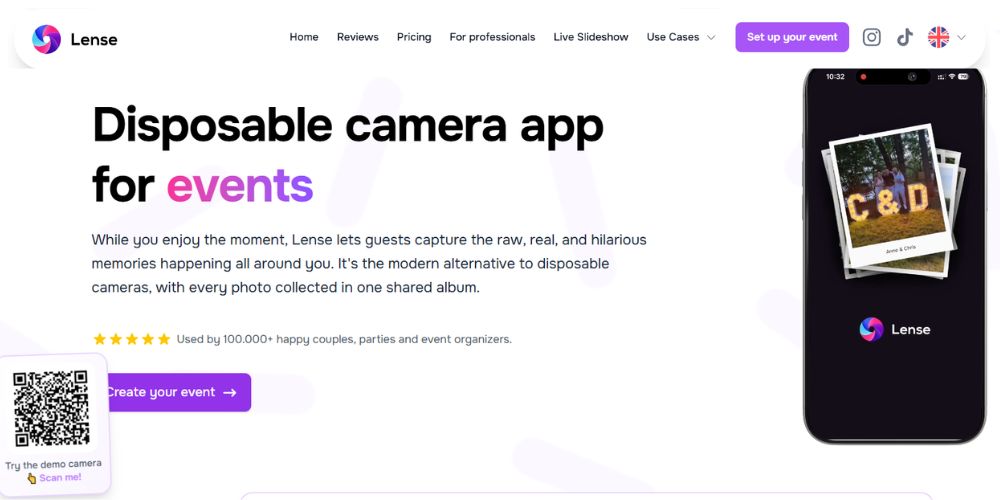
Best known for: a full disposable camera experience with a live photo wall included. Price: free up to 7 guests; $34.99 for up to 100 guests with 25 shots each. Unlimited shots (+$10) and video (+$9.99) are optional.
Lense turns every guest's phone into a digital disposable camera app. Guests scan a QR code, enter their name and start shooting in the browser. The host chooses the shots per guest and when the album reveals. (Lense is our product.) See how it works as a disposable camera app for weddings, a disposable camera app for parties or a shared vacation album.
Features
No app download or account for guests, on iPhone and Android
Instant, delayed or private reveal, with a shot limit you set per guest
Live photo wall on any TV or projector, included in every plan
Camera on the iPhone lock screen, plus uploads from the camera roll
Works offline after joining; photos upload when the connection is back
Review and delete photos before the reveal, with a built-in filter for inappropriate content
Full-quality photos, 12 months of storage and a one-click album download
Cons
25 shots per guest by default; unlimited shots cost $10 extra
Video is a paid add-on
Guests need internet once to join
Source: Lense pricing and FAQ, checked 14 October 2026.
Once disposable camera app
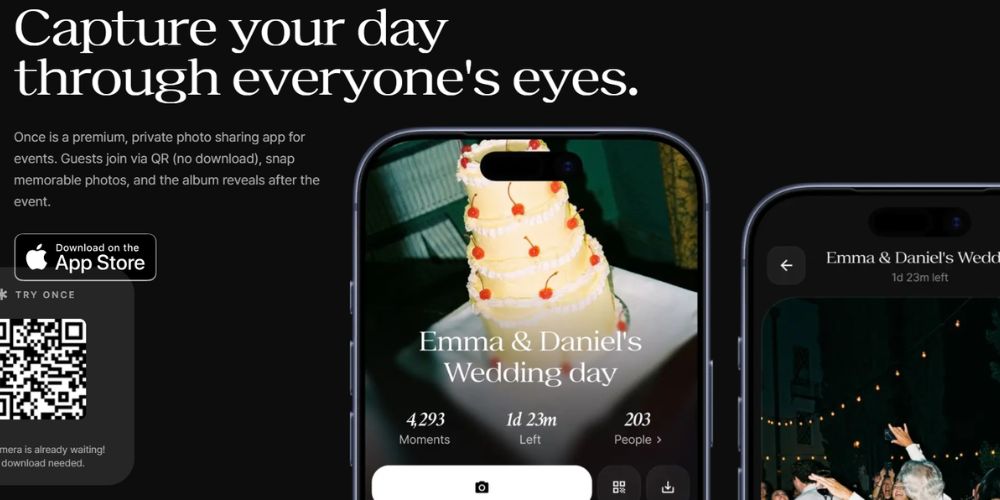
Best known for: a film-style camera with a reveal at the time you choose. Price: free up to 5 guests; $29.99 for up to 100 guests; unlimited shots +$9.99.
Once lets guests join a shared "film" through a QR code or link. iPhone guests open it through an App Clip, Android guests through the browser. The host sets how long the film stays open and who sees the photos afterwards.
Features
QR or link join, without an app or sign-up
Shot limit per guest and a custom reveal time
Photos visible to everyone or only to the host
Unlimited storage of your memories, according to the pricing page
Voice tapes as an extra
Cons
The host app is iPhone-only; Android hosts use the web version
Guests need an account to download their photos afterwards
Video, camera roll uploads and a live slideshow aren't mentioned
Free plan stops at 5 guests
Source: Once and Once pricing, checked 14 October 2026.
PartyCam disposable camera app
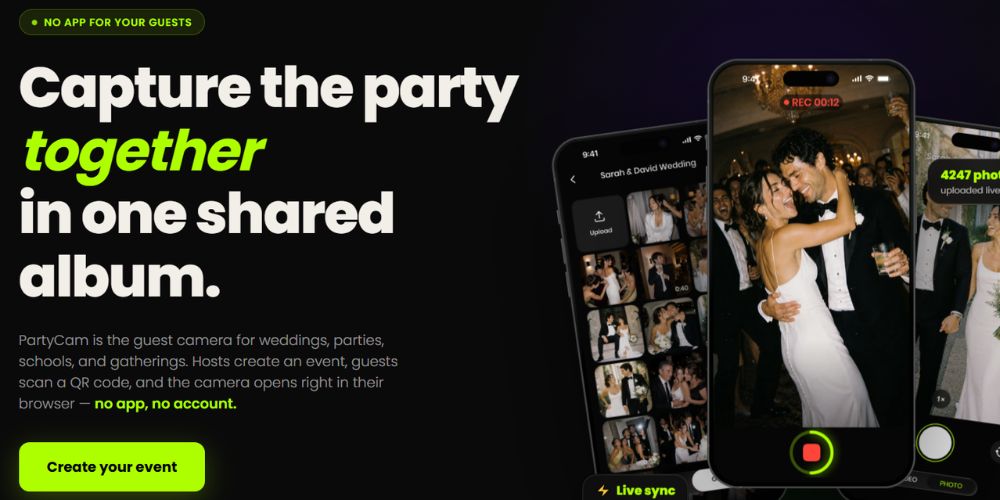
Best known for: a browser camera with video and a live TV mode included. Price: free up to 10 guests; $34.99 for up to 100 guests, one-time.
PartyCam gives every guest a roll of 25 or more photos and videos, straight from the browser after scanning a QR code. Hosts create the event in the iPhone app or on the website, and choose whether photos show live or stay hidden until the reveal.
Features
No app download or account for guests, on iPhone and Android
Photos and videos; video recording needs the PartyCam app
Live or delayed reveal, with album privacy set by the host
TV mode: a live photo wall, included in free events and events made in the app (+$9.99 on paid events made on the website)
Moderation, guest reporting and an option to block NSFW photos
Full-resolution downloads without watermarks; photos kept forever
Cons
Guests who switch between the browser and the app use two guest spots
Camera roll uploads and an unlimited-shots option aren't mentioned
No film filter mentioned for events
A smaller app: 68 ratings on the App Store
Source: PartyCam and PartyCam on the App Store, checked 14 October 2026.
POV disposable camera app
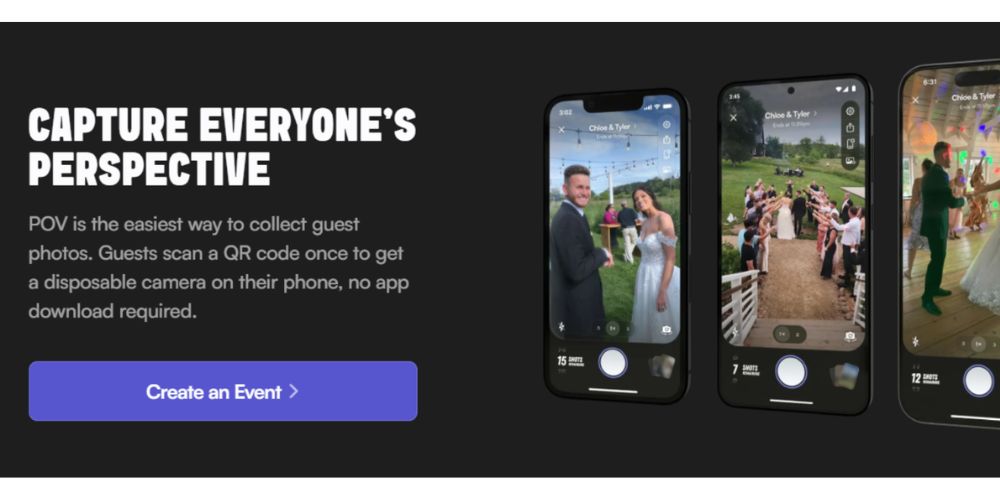
Best known for: the best-known name in disposable camera apps. Price: free up to 10 guests; $34.99 for up to 100 guests. Live slideshow and custom branding are in a business package (+$20).
POV gives guests a disposable camera through an App Clip on iPhone and the browser on Android. Its site shows a 4.9-star rating from more than 15,000 ratings, the largest number of reviews in this comparison.
Features
Hosts set the photos per guest and the reveal time
Review and delete guest photos at any time
Ready-to-print QR templates and an optional NFC block
Optional printed photobook, designed by POV
Cons
Live slideshow costs $20 extra (business package)
Needs internet to open the camera and send photos
Video, camera roll uploads, photo quality and storage duration aren't stated on the pricing or FAQ pages
Source: POV pricing and POV FAQ, checked 14 October 2026.
Scene disposable camera app
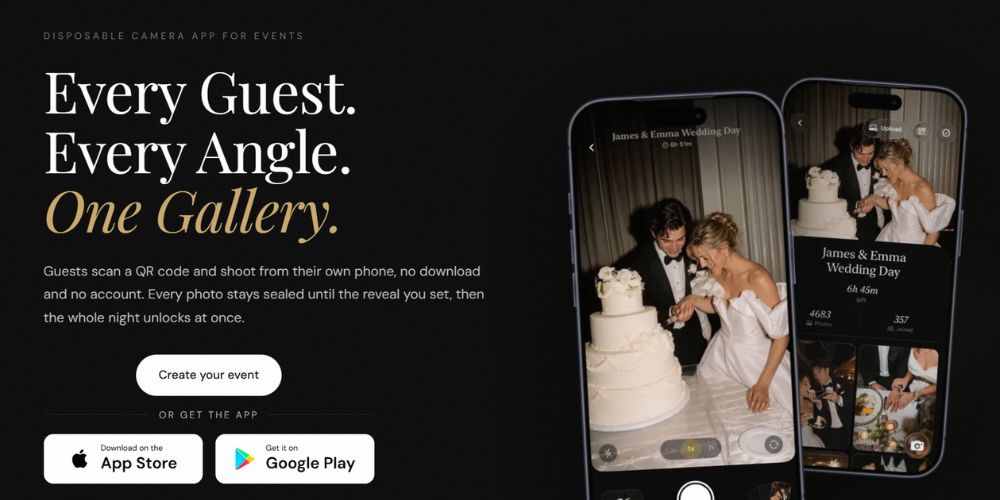
Best known for: film styles and full-resolution photos kept forever. Price: free up to 5 guests; $39.99 for up to 100 guests on the website (the App Store lists $49.99); unlimited shots and video +$9.99 each.
Scene gives every guest a disposable camera in the browser on any phone, or through an App Clip on iPhone. Hosts set up the event in the iPhone or Android app or in the browser, and pick 5 to 36 shots per guest, one film style and the reveal moment.
Features
No app download or account for guests
Reveal during the event, when it ends, or a set number of hours after
Three film styles: Original, Vintage and Black & White; downloads are always the untouched original
Camera roll uploads, counted toward the shot limit, for up to 30 days after the event
Big-screen slideshow included, with each guest's name
Works with a weak signal after joining; photos upload later
Full 12MP resolution, no watermark, photos kept with no expiry date
Review and delete photos before opening the gallery to everyone
Cons
The App Store lists higher prices than the website ($49.99 vs $39.99 at 100 guests)
Free events are limited to 5 guests, and only your first five are free
No ZIP download: photos are saved by selecting them
Unlimited shots and video cost $9.99 each
105 App Store ratings so far, far fewer than POV
Source: Scene website and Scene on the App Store, checked 14 October 2026.
Which disposable camera app fits your event? 3 real-world examples
The best app depends on the size of your group and what you want during the event. Three common situations:
1. A weekend away with 6 friends. Lense (up to 7 guests), POV and PartyCam (both up to 10 guests) are free for this group size. Once and Scene stop at 5 free guests, so you'd pay for the sixth friend. Set a delayed reveal for the evening you get home, and you'll all scroll through the trip together.
Review from Shelbie:
“It was super easy to use & made sharing photos through the trip easier!”
2. A 30th birthday with 40 guests. Here the live photo wall makes the difference: put it on the TV and guests see the party fill up in real time. Lense includes it; at POV it's part of the business package. Choose 10 to 15 shots per guest: enough for the evening, few enough that guests think before they shoot. Lense costs $14.99 for up to 50 guests.
3. A wedding with 100 guests. With 25 shots each, guests can take up to 2,500 photos. A good starting point for what to expect: at Lense events, every 100 guests who join take about 780 photos on average. That's hundreds of candid moments, from angles your photographer never sees. Lense and POV both cost $34.99; Once is the cheapest at $29.99. Lense adds camera roll uploads, so guests can also share the photos they took on their normal camera. Reveal the album the morning after, so you wake up to the photos. More options for weddings: see our best wedding photo sharing apps.
Is there a free disposable camera app?
Yes. All five apps have a free plan, but each one stops at a small group:
POV: free up to 10 guests
Lense: free up to 7 guests
Once: free up to 5 guests
Scene: free up to 5 guests
PartyCam: free up to 10 guests
For a dinner, a small birthday or a trip with friends, a free plan is often enough. For a wedding or a bigger party, use the free plan as a test run before you pay.
How to use a disposable camera app at your event
All five apps work the same way at their core:
Create your event and choose the shots per guest and the reveal time.
Print the QR code on table cards, the welcome sign or the bar.
Guests scan it and start shooting, without an app download.
The album reveals at the time you chose, and you download everything.
Tips to get more guests shooting:
Put the QR code where people wait: on every table and at the bar, not only at the entrance.
Say what it does: "Scan for your disposable camera" works better than a bare code.
Pick the right number of shots: 10 to 15 for a party, 20 to 25 for a wedding.
Reveal the next morning: it keeps guests in the moment and gives everyone something to look forward to.
Test before the event: scan the code with an iPhone and an Android phone.
Check the signal: guests need internet to join. Lense and Scene save photos offline after joining and upload them later.
Need a QR card? Use our free QR code generator and templates.
The best disposable camera apps: our top 3
Lense scores highest at 4.8 out of 5, followed by Scene (4.6) and POV (4.4). Here are the scores for all five apps, using the criteria and weights from the start of this article.
App | Disposable feel (20%) | Easy to join (15%) | Host control (15%) | Pricing (10%) | Flexibility (10%) | Quality (10%) | Extras (10%) | Reviews (10%) | Total |
|---|---|---|---|---|---|---|---|---|---|
Lense | 5 | 5 | 5 | 4 | 4 | 5 | 5 | 5 | 4.8 |
Scene | 5 | 5 | 5 | 3 | 4 | 5 | 5 | 4 | 4.6 |
POV | 5 | 5 | 5 | 4 | 3 | 3 | 4 | 5 | 4.4 |
PartyCam | 4 | 5 | 5 | 4 | 3 | 5 | 4 | 4 | 4.3 |
Once | 5 | 5 | 4 | 4 | 3 | 3 | 4 | 4 | 4.15 |
App | App Store rating | Number of ratings |
|---|---|---|
4.9 | 15,000+ | |
4.9 | 1,500+ | |
4.7 | 674 | |
4.6 | 105 | |
4.8 | 68 |
Reviews score: 5 = rated 4.8 or higher with more than 1,000 ratings; 4 = rated 4.5 or higher. US App Store, checked 14 October 2026.
1. Lense: best overall disposable camera app for events
Lense is the pick if you want the real disposable feel and something to watch during the event. Guests shoot with a shot limit and a delayed reveal, and a live photo wall is included in every plan. It's also the only app here with a camera on the iPhone lock screen. It costs $34.99 for 100 guests with 25 shots each; unlimited shots (+$10) and video (+$9.99) are optional. (Lense is our product.)
2. Scene: best for film styles and full-resolution photos
Scene is the pick if photo quality and a film look matter most. It keeps full 12MP photos with no watermark and no expiry, includes a big-screen slideshow and lets guests add camera roll photos. It costs $39.99 for 100 guests on the website, but the App Store lists $49.99, so check the price where you pay.
3. POV: best known and most reviewed
POV is the pick if you want the most proven app: 4.9 stars from 15,000+ App Store ratings, by far the most in this comparison. At $34.99 for 100 guests it costs the same as Lense. The live slideshow costs $20 extra, and POV doesn't state video or camera roll uploads.
Just outside the top 3, PartyCam (4.3) is the best value if you want video included: free up to 10 guests and $34.99 for 100 guests, with photos kept forever. Video recording needs the PartyCam app, and TV mode costs $9.99 extra on paid events made on the website.
The winner
On our criteria, Lense is the best disposable camera app for events. It wins on what's included at one clear price: a live photo wall, camera roll uploads, offline shooting and a lock screen camera. With 4.9 stars from 1,500+ App Store ratings, only POV has more reviews. Scene comes close on features, with full-resolution photos and film styles, but it's newer, has fewer reviews (105), and its App Store prices differ from its website. Choose POV if track record matters most, or Once for the lowest price. Choose PartyCam if you want video included at the same price.
Frequently asked questions
What is the best disposable camera app?
In our comparison of 5 disposable camera apps for events, Lense scores highest (4.8 out of 5), followed by Scene (4.6) and PartyCam (4.3). Lense includes a live photo wall and camera roll uploads; Once is the cheapest at 100 guests ($29.99).
What is a digital disposable camera app?
A digital disposable camera app turns guests' phones into a shared disposable camera. Each guest gets a limited number of shots, and the photos stay hidden until a reveal time the host sets. All photos end up in one shared album.
Is there a free disposable camera app?
Yes. POV and PartyCam are free up to 10 guests, Lense up to 7, and Once and Scene up to 5. For bigger events you pay a one-time fee.
Do guests need to download an app?
No. All five disposable camera apps let guests join through a QR code.
Does a disposable camera app work on Android?
For guests, yes: all five work on Android phones. For hosts it differs: Lense, POV, PartyCam and Scene have Android apps for hosts; Once has an iPhone app and a web version for Android hosts, so take that into consideration.
What is the best disposable camera app for a wedding?
In our comparison, Lense is the best disposable camera app for weddings: guests shoot with a shot limit and a delayed reveal, the live photo wall is included, and 100 guests take about 780 photos on average. Scene is a strong alternative if you want film styles. See how it works with Lense as a disposable camera app for weddings.
How many photos should each guest get?
An app costs less and every photo arrives, instead of cameras getting lost or never developed. Real cameras give a true film look. See our comparison of a disposable camera app vs. physical cameras.
Lense vs POV app: which disposable camera app is better?
Lense stands out on value: at the same price as POV, it includes a live slideshow and camera roll uploads, and it’s cheaper for larger events. POV stands out on track record, with far more reviews and a free plan for up to 10 guests. For most events, our app Lense gives you more for your money.
Lense | POV | |
|---|---|---|
Free plan | Up to 7 guests | Up to 10 guests |
100 guests | $34.99 | $34.99 |
250 guests | $69.99 | $89.99 |
Live slideshow | Included | Paid add-on |
Camera roll uploads | Included | Not listed |
Reviews | 4.9 (3,500+) | 4.9 (28,000+) |
All information is taken from each provider’s own website: Lense pricing and POV pricing, checked 28 October 2026. One-time prices in USD; prices and features may change, so check for yourself before making a decision.