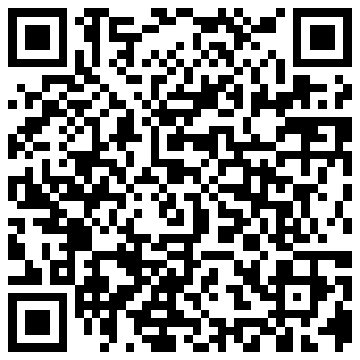
Das Sammeln Ihrer Hochzeitsgästefotos war noch nie so einfach.
Mit der POV-Capturing-App von Lense können Sie auf einfache und unterhaltsame Weise Fotos von Ihren Hochzeits- oder Partygästen sammeln. Gäste können Bilder aufnehmen oder sie in das gemeinsame digitale Album hochladen.
Wie funktioniert es?
Die Verwendung unserer Einwegkamera-App für Veranstaltungen ist sehr einfach und benutzerfreundlich. So funktioniert es:
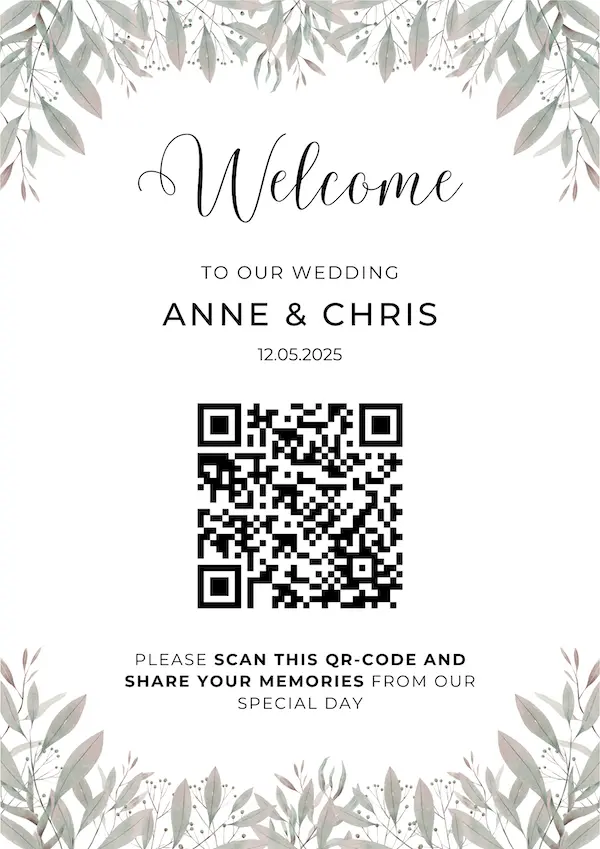
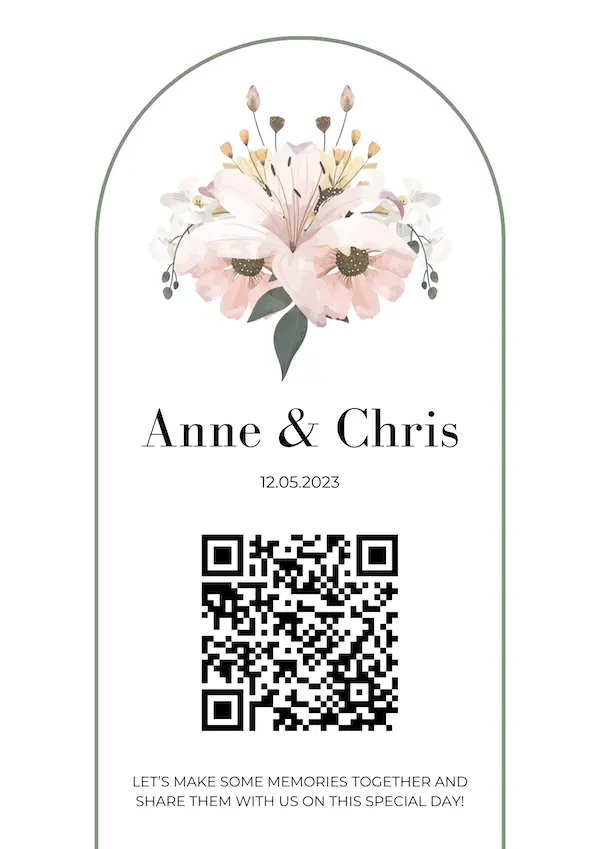
Gäste scannen mit ihrem Smartphone einen Foto-QR-Code.
Es öffnet sich eine Einwegkamera (ohne Download einer App).
Gäste können nun Fotos machen oder diese in das geteilte Album hochladen. Noch kann sie niemand sehen!
Am nächsten Tag: Alle Bilder werden angezeigt. Jeder kann im gemeinsamen Fotoalbum auf den Tag zurückblicken.
Erfassen Sie ganz einfach jeden Moment
Gäste können mit der Einwegkamera ganz einfach Fotos machen, indem sie einen QR-Code scannen oder auf einen Link klicken.
Kein Ärger für Ihre Gäste
Gäste können mit der Einwegkamera ganz einfach Fotos machen, indem sie einen QR-Code scannen oder auf einen Link klicken.
Eine Einwegkamera direkt auf dem Sperrbildschirm deiner Gäste
Erlebe den Spaß einer verzögerten Album-Enthüllung
Lassen Sie uns Ihre Veranstaltung gestalten
Schritt 1
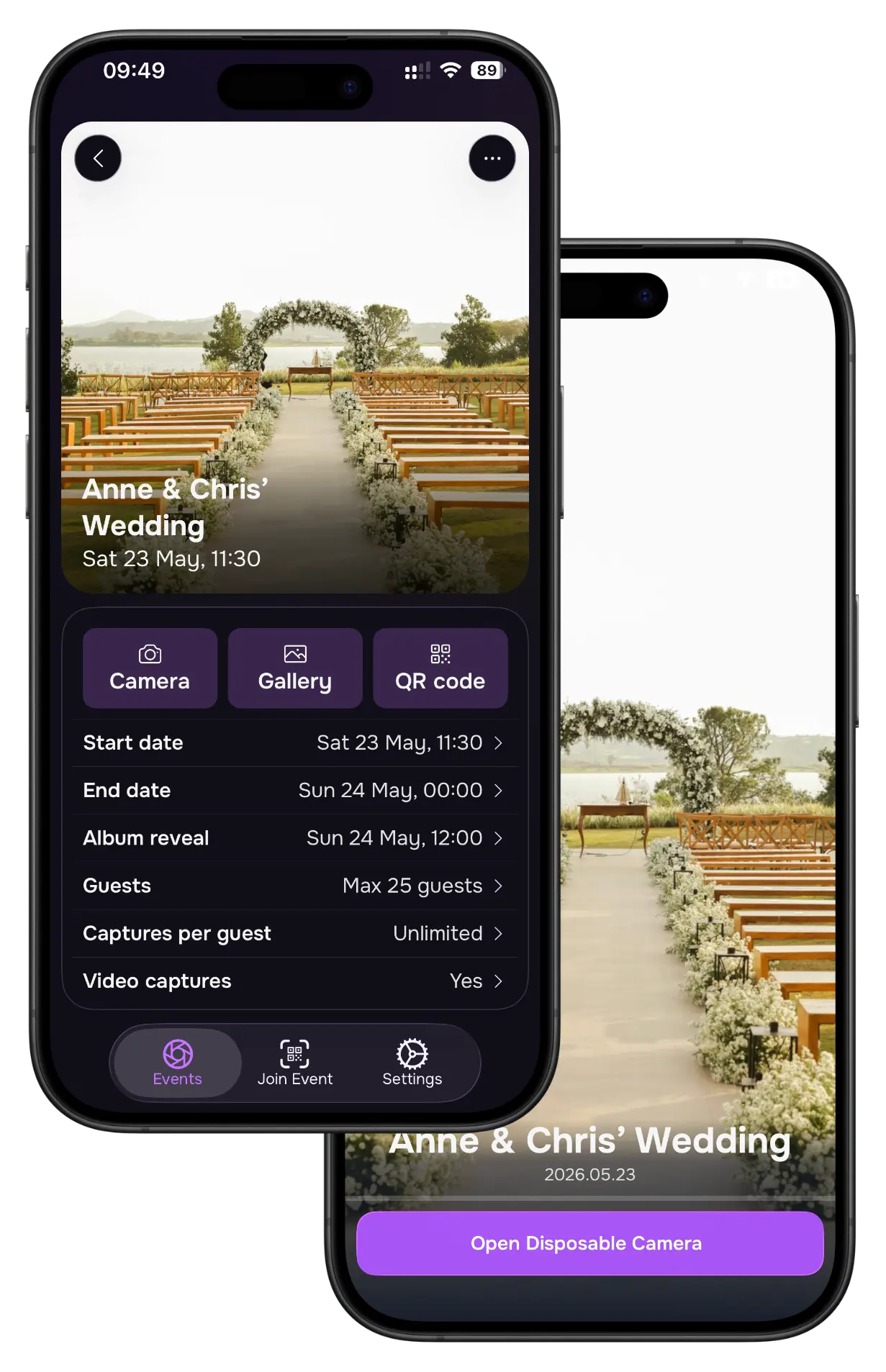
Erstellen Sie Ihre event
Das Erstellen einer Veranstaltung ist einfach und unkompliziert. Erstellen Sie einfach ein Lense-Konto und richten Sie eine neue Veranstaltung ein. Personalisieren Sie die Veranstaltung, indem Sie ein persönliches Titelbild auswählen, um sie hervorzuheben und das Thema Ihrer Veranstaltung widerzuspiegeln. Sobald Sie Ihre Veranstaltung erstellt haben, können Sie sie teilen.
Die Einrichtung Ihrer Veranstaltung dauert nur 2 Minuten!
Schritt 2
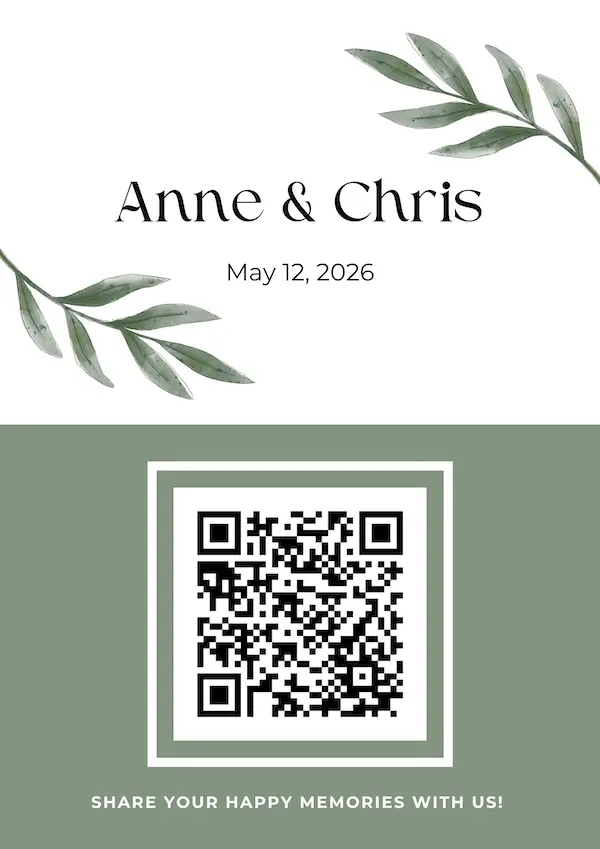
Teilen Sie Ihren einzigartigen QR-Code
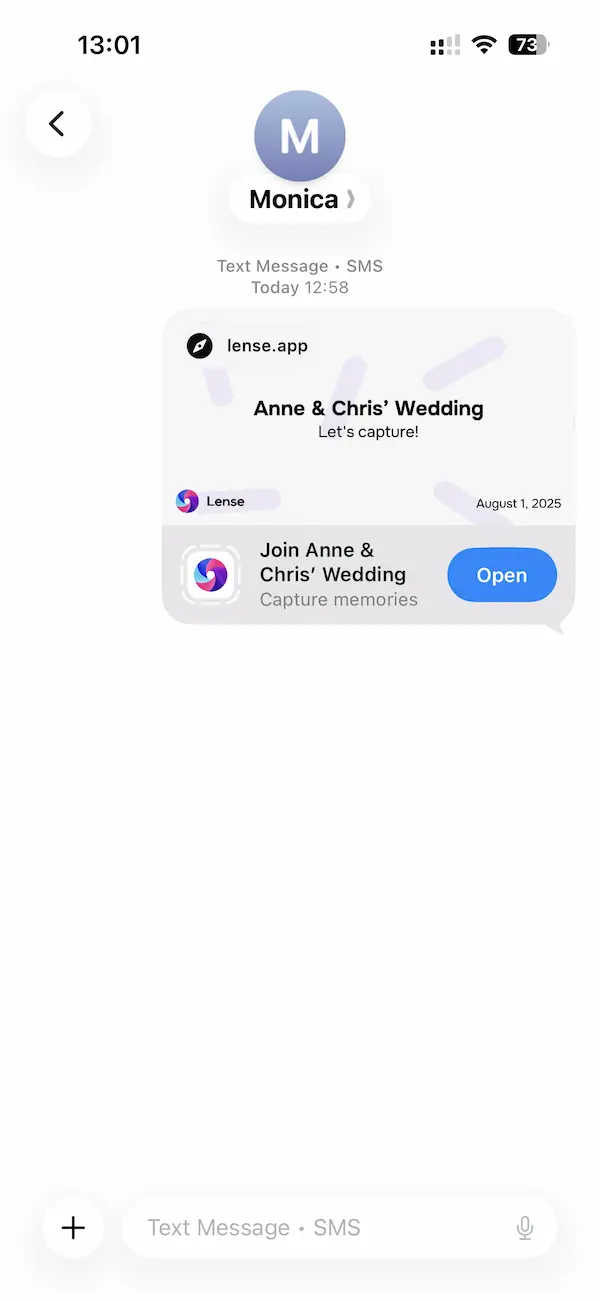
Die Gäste können einfach den QR-Code scannen oder den Album-Link verwenden, um Fotos und Videos in Ihrem digitalen Album anzusehen und zu teilen - jederzeit vor, während oder nach der Veranstaltung.
Kein App-Download oder Registrierung erforderlich
Teilen Sie den QR-Code auf den gedruckten Karten.
Schritt 3
Genießen Sie die eingefangenen Momente
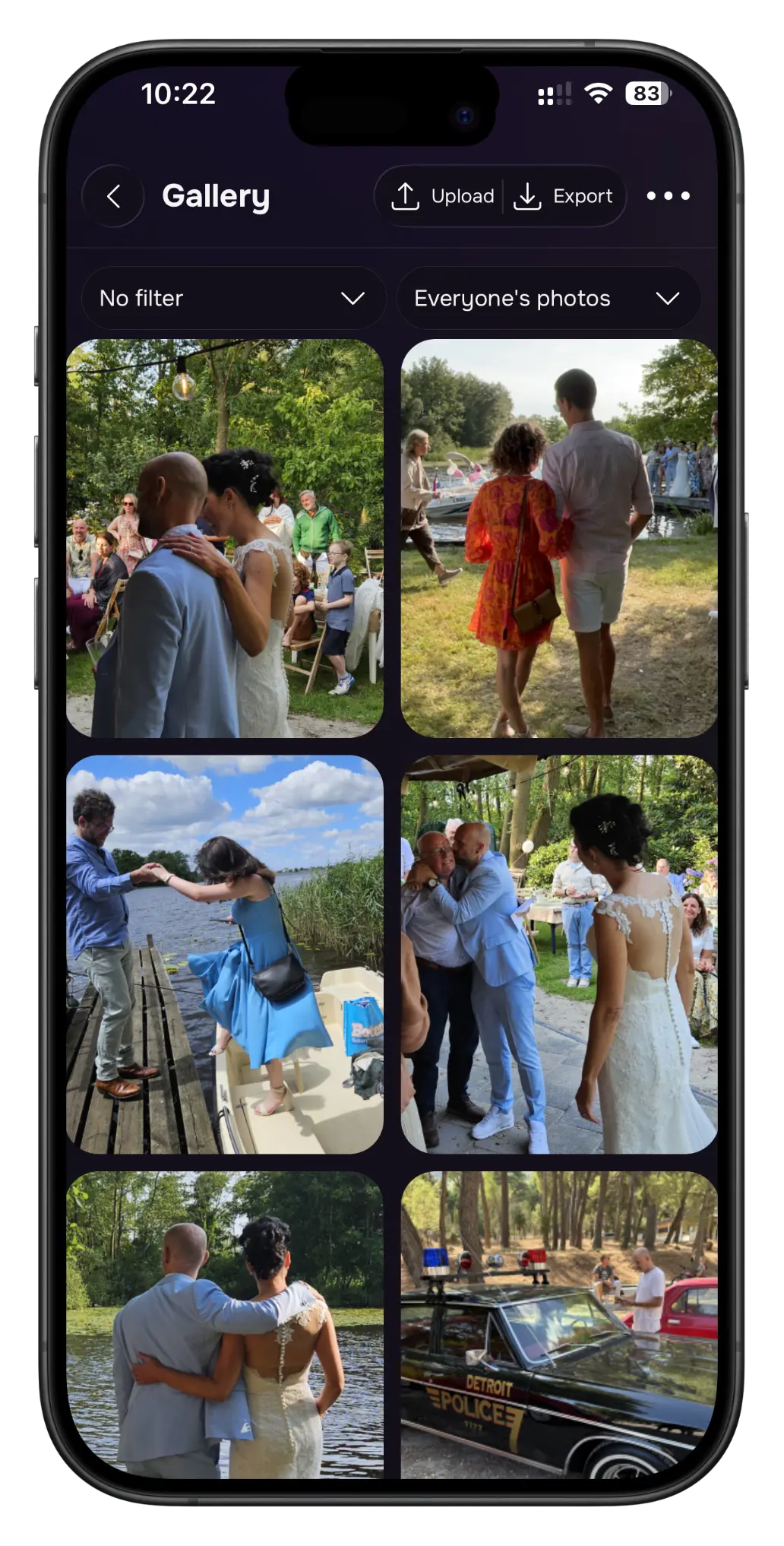
Sehen Sie sich jederzeit alle Fotos und Videos an, die Ihre Gäste in Ihrem digitalen Album aufgenommen haben. Ihre Gäste können das Ereignis so auch noch einmal erleben!
Finde Antworten rund um die digitale Einwegkamera-App von Lense für Hochzeiten, Partys und Firmenevents. Noch Fragen? Schreib uns eine E-Mail, wir helfen dir gerne!
Bereit loszulegen? Klick einfach auf den Button unten.
Lense verwandelt die Handys deiner Gäste in digitale Einwegkameras. Erstelle dein Event, teile deinen einzigartigen QR-Code oder Event-Link, und deine Gäste können sofort Fotos und Videos aufnehmen. Alles landet in einem gemeinsamen Album, an dem du und deine Gäste Freude haben.
Gäste brauchen keinen App-Download, und du entscheidest, wie viele Aufnahmen sie machen dürfen und wann das Album enthüllt wird.
Müssen Gäste die Lense-App herunterladen oder sich registrieren?
Nein.
Gäste müssen weder eine App herunterladen noch ein Konto erstellen. Sie scannen einfach deinen Lense-QR-Code oder öffnen den Event-Link, geben ihren Namen ein und legen los.
Die Einwegkamera öffnet sich sofort – kein App Store, keine Registrierung, keine komplizierte Einrichtung für deine Gäste.
Funktioniert Lense auf iPhone und Android?
Ja.
Lense funktioniert sowohl auf iPhone als auch auf Android! Die Funktion, mit der Gäste deine Kamera direkt vom Sperrbildschirm öffnen, gibt es nur auf dem iPhone. Ansonsten funktioniert auf beiden Geräten alles gleich.
Können Gäste sowohl Fotos als auch Videos hochladen?
Ja.
Gäste können mit Lense Fotos aufnehmen und hochladen, und du kannst dein Event mit dem Video-Add-on um Videounterstützung erweitern.
Kann ich wählen, wann die Fotos meiner Gäste enthüllt werden?
Ja.
Du kannst zwischen einem sofortigen, verzögerten oder privaten Album wählen.
Bei einer verzögerten Enthüllung bleiben die Fotos bis zu dem von dir gewählten Zeitpunkt verborgen – eine schöne Überraschung, wenn alle das Event gemeinsam noch einmal erleben. Du kannst Aufnahmen außerdem prüfen und löschen, bevor sie enthüllt werden.
Können Gäste ihre eigenen Eventfotos speichern oder teilen?
Ja.
Gäste können ihre Lieblingsfotos speichern oder teilen, sobald sie enthüllt wurden.
Als Gastgeber kannst du alle Fotos und Videos deines Events gesammelt aus dem gemeinsamen Album herunterladen.
Wo werden meine Fotos und Videos gespeichert und wie lange sind sie verfügbar?
Deine Fotos und Videos werden sicher in der Cloud gespeichert und bleiben 12 Monate ab dem Startdatum deines Events verfügbar.
In dieser Zeit kannst du einzelne Aufnahmen oder dein gesamtes Album ohne Zusatzkosten herunterladen. Sobald du sie auf dein Gerät geladen hast, kannst du sie so lange behalten, wie du möchtest.
Funktioniert Lense während eines Events ohne Internet?
Ja, nach dem Beitritt zum Event.
Gäste brauchen eine Internetverbindung, um deinem Lense-Event beizutreten. Sobald sie dabei sind, können sie auch ohne Verbindung weiter fotografieren.
Aufnahmen werden lokal gespeichert und automatisch hochgeladen, sobald die Verbindung zurück ist.
Kann mein Event mehrere Tage dauern?
Ja, dein Event kann so lange dauern, wie du möchtest.
Kann ich Fotos & Videos in Echtzeit löschen?
Ja! Lense hat einen integrierten Filter für unangemessene Inhalte. Du kannst Aufnahmen prüfen und löschen, bevor sie enthüllt werden. Und auch wenn die gemeinsame Galerie bereits enthüllt ist, kannst du Fotos & Videos noch löschen!
Kann ich Lense vor dem Kauf ausprobieren?
Ja. Du kannst die Lense-Kamera kostenlos testen, indem du ein Event für bis zu 7 Gäste erstellst. Du kannst auch die Demo-Kamera ausprobieren: Scanne am Desktop den QR-Code oder tippe am Handy auf den Button.
So siehst du ganz einfach, wie Lense funktioniert, und erlebst die digitale Einwegkamera, bevor du dein echtes Event einrichtest.
Was ist besser: Lense oder klassische Einwegkameras?
Für die meisten Events gibt dir Lense den Spaß einer Einwegkamera ohne die Einschränkungen.
Mit Lense nutzen Gäste ihr eigenes Handy – du musst also keine Kameras kaufen oder entwickeln lassen, und alle Fotos landen in einem gemeinsamen digitalen Album. Du kannst außerdem Videos erlauben, Fotolimits festlegen, wählen, wann Fotos enthüllt werden, und Gästefotos live auf einem Bildschirm zeigen.
Klassische Einwegkameras bleiben ein schönes physisches Andenken, aber mit Lense sammelst, teilst und erlebst du die Perspektive aller deutlich einfacher.