Disposable camera app for weddings
Capture everyone's point-of-view using Lense - the digital disposable camera app for events.
Why choose Lense?
"If you are looking for a way to capture your guest's perspectives and easily collect photos, then we think you'll love Lense's Disposable Camera app."
Easily capture every moment of your event
Guests will be able to capture using our disposable camera app as well as upload them from their camera simply by scanning a QR code. No app downloads necessary.
No hassle for your guests
Guests will be able to capture using our disposable camera app as well as upload them from their camera simply by scanning a QR code. No app downloads necessary.
A disposable camera right on guests lockscreen
Experience the fun of delayed album revealing
Enjoy the perspective of your guests
All pictures taken by your guests reveal in a shared album for you and your guests to enjoy.
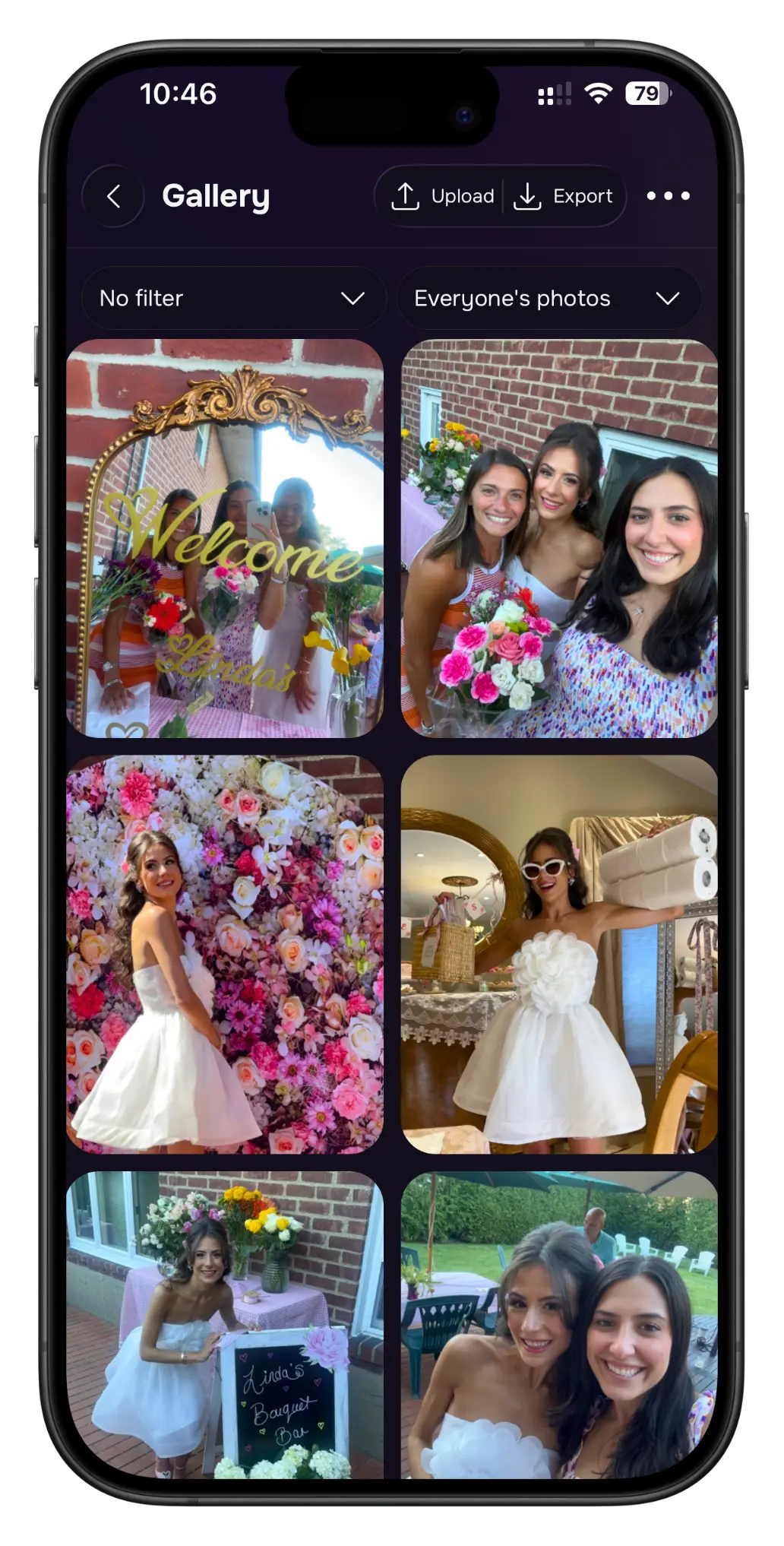
Enjoy the shared photo album
All pictures taken by your guests reveal in a shared album for you and your guests to enjoy.
Capture moments for every occasion 🥳
Lense is perfect for
Let's set up your own disposable camera 📸
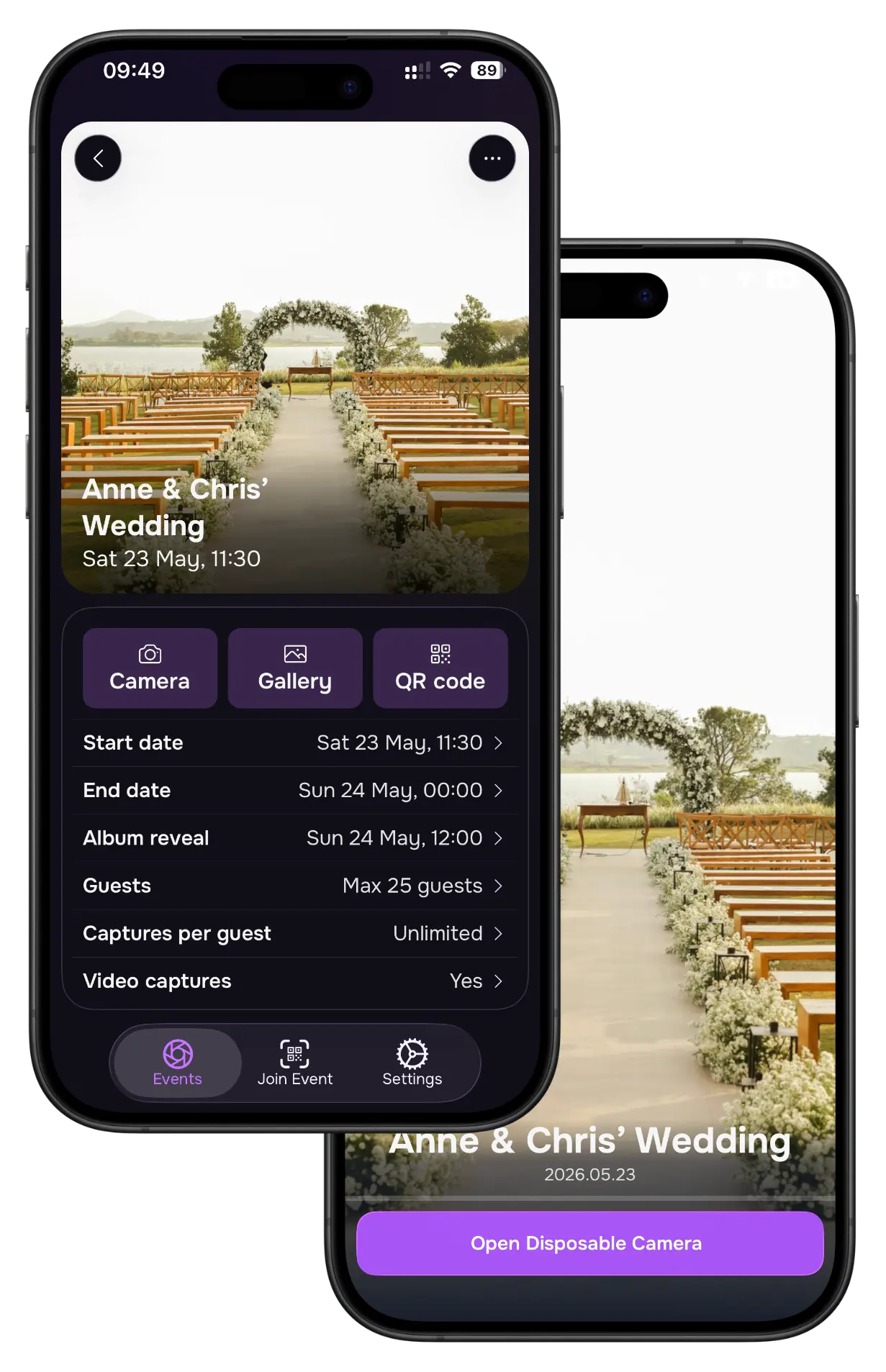
Create your event
Creating an event is very simple. Download the Lense app and set up a new event. Customize the event by choosing a personal cover photo to make it stand out and reflect the theme of your event. Once you've created your event, you're ready to share it.
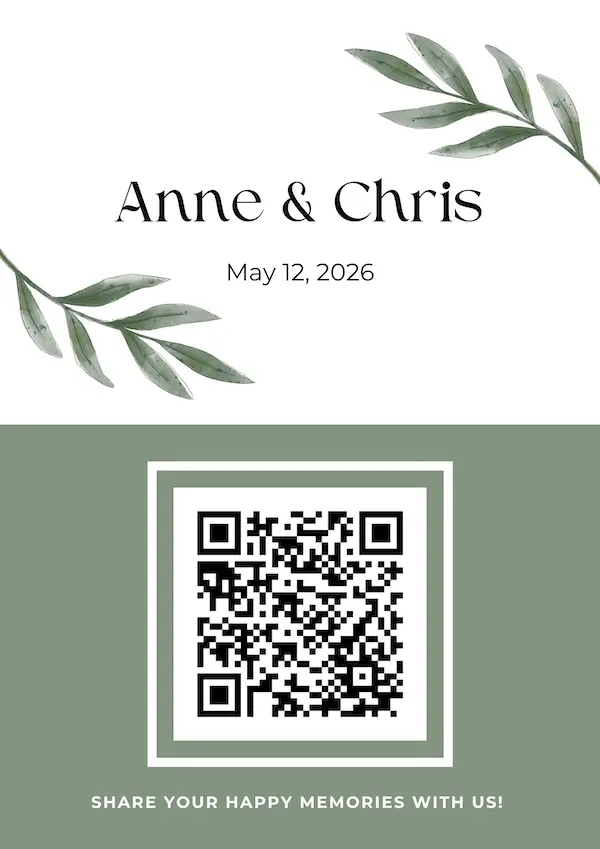
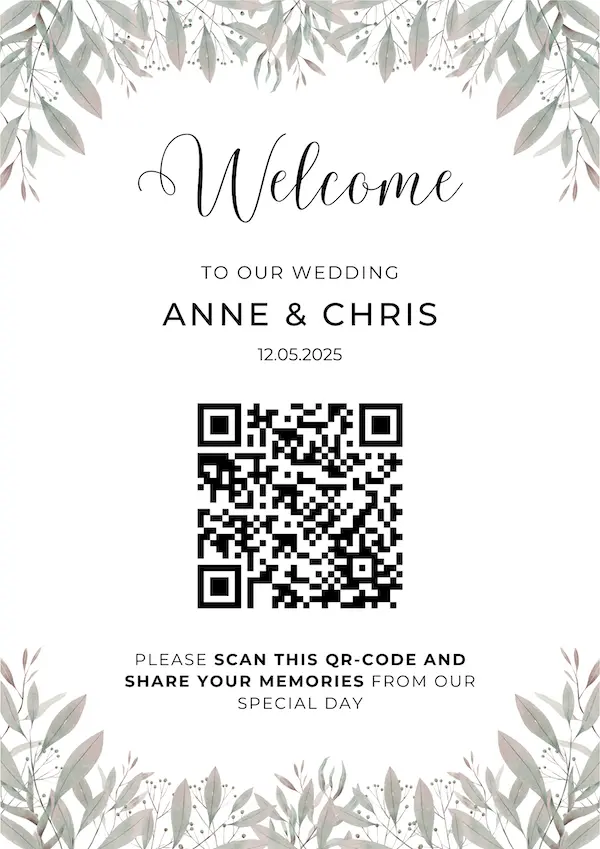
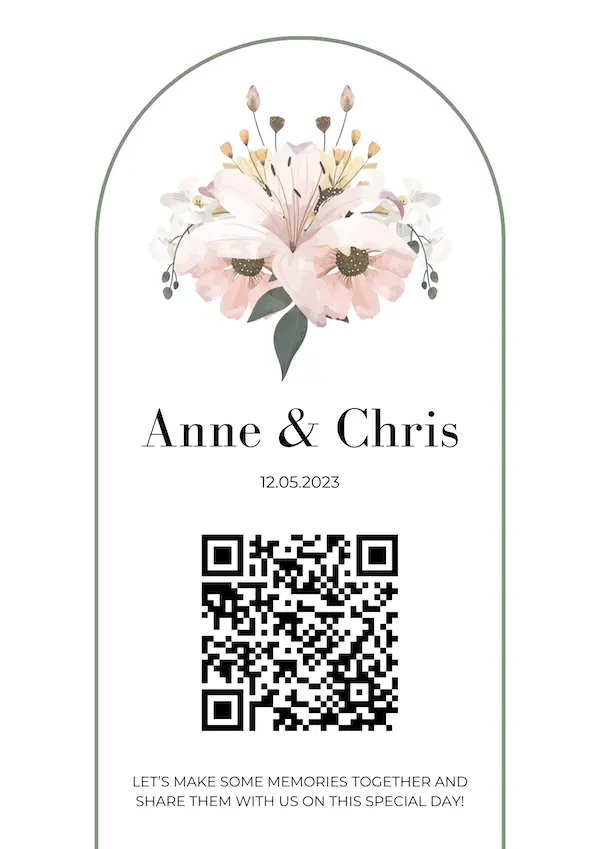
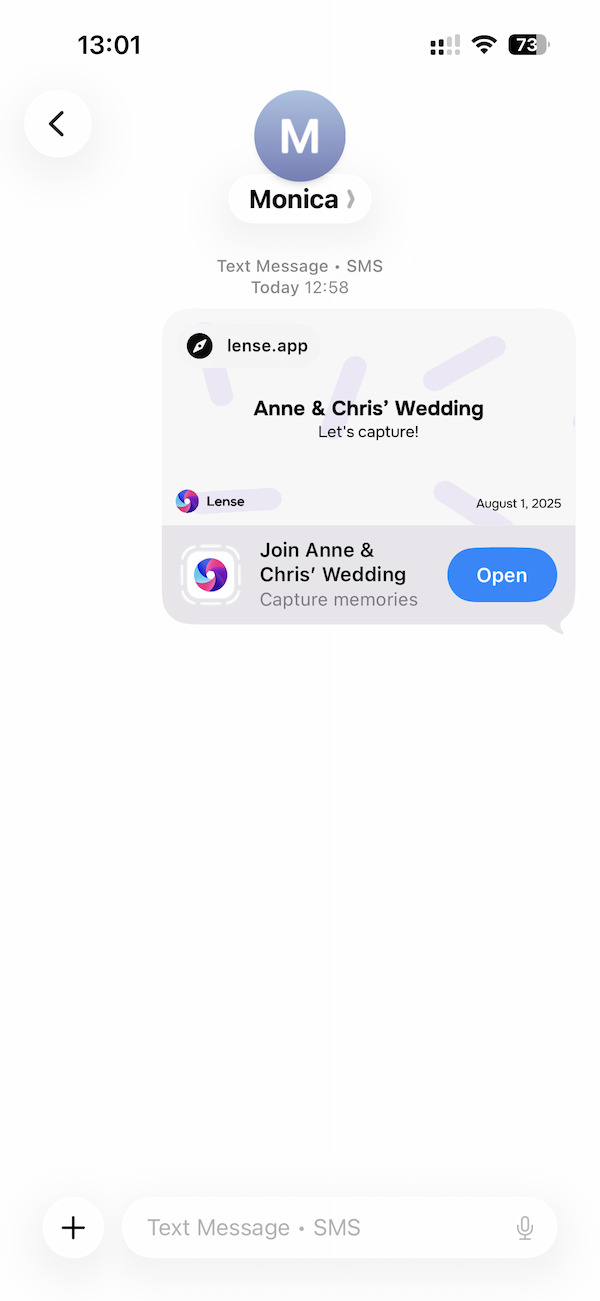
Display and share your unique QR code
Guests can simply scan the QR code or use the album link to view and share photos and videos in your digital album, anytime before, during, or after the event.
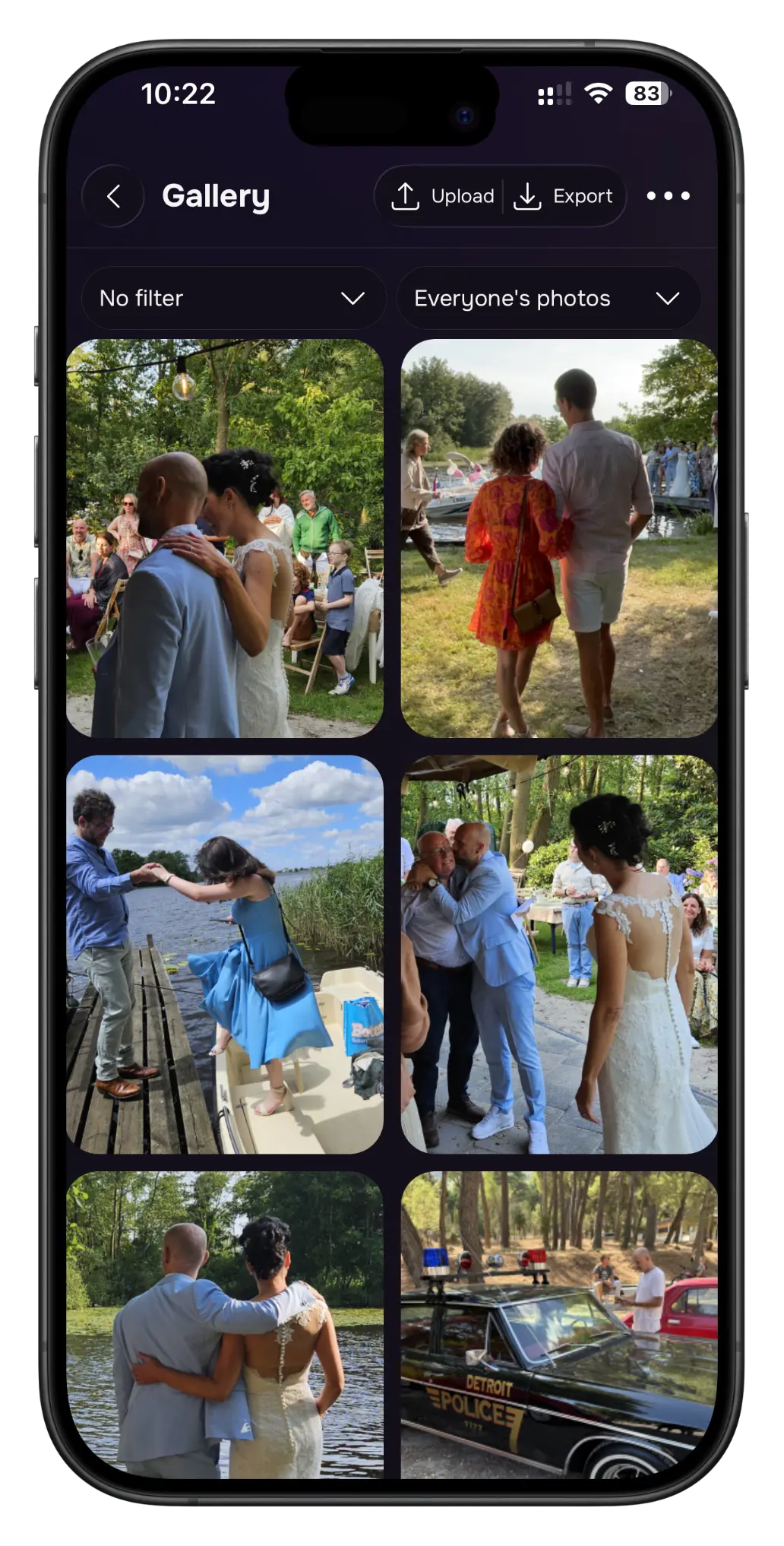
Enjoy the captured moments
Always view all the photos and videos captured by your guests in your digital album. Your guests can also relive the event!
6 reasons to use Lense
1. Capture the best moments
Using Lense, you can capture your- and guest's memorable moments of your event and relive them at any moment.
2. Delayed photo revealing
Delaying the photo reveal creates anticipation and excitement among guests and make your event even more memorable.
3. One shared album
Lense collects all the photos in one convenient album for easy sharing and reminiscing. You control which photo's are shared!
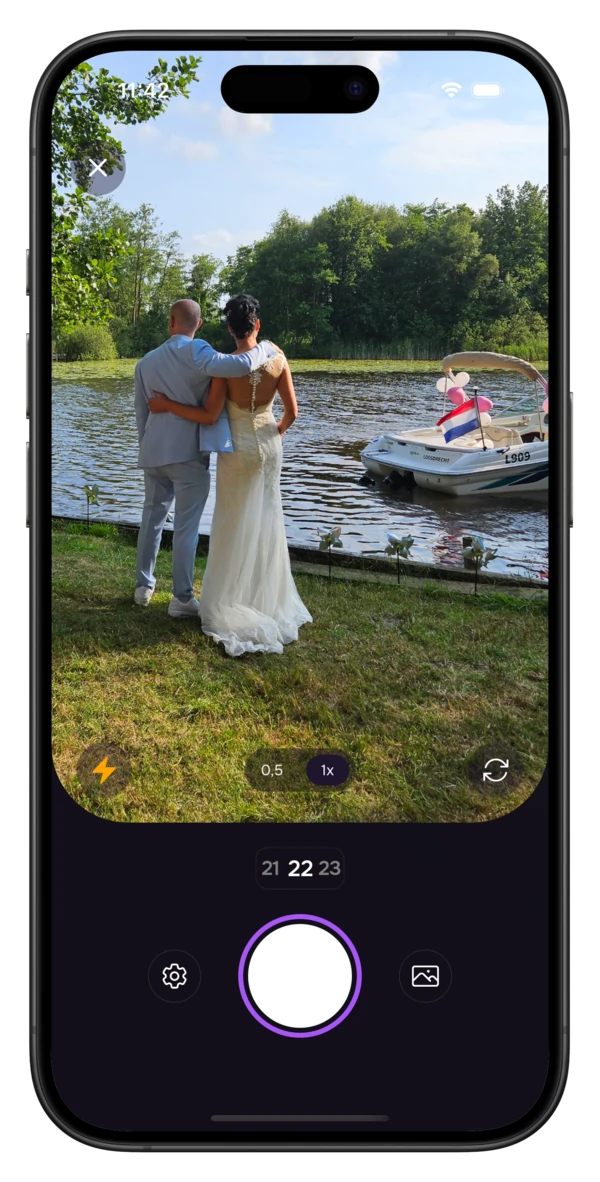
4. Easy sharing with a scan
Each event has a unique QR code that guests can scan with their phones. Once scanned an instant disposable camera pops up. No app download needed!
5. A unique touch to your photos
Whether you want to give your photos a vintage feel or a modern twist, Lense has a range of effects to choose from.
6. Safe storage in the cloud
Your photo's are stored in a secure and private cloud environment. They are always accessible for up to a year. But as host, you will also receive a downloadable copy that is available forever.
People love Lense!
Rated 4.9 based on 3000+ ratings. Read reviews
Kellee
This is hands down the best disposable camera app around. The pricing is perfect and the add-ons are wonderful. Everyone loved being able to see the photos taken by the other guest.
Anne Harryman
We used Lense for our wedding, and we absolutely love to see all the pictures our guests took during the day. Lense is amazingly simple to set up and I would recommend to anyone who wants to keep many memories of a special day.
Sarah C
This was a great addition to the traditional wedding photography! Everyone enjoyed it, will cherish these photos
Frequently asked questions
Can I review captures before anyone sees them?
Do guests need to download an app or register?
Optionally, they can add their email to receive notifications when photos are revealed. The disposable camera opens instantly, so everyone can start capturing memories right away.
Do you also support videos?
Are the captures mine? How long are they stored?
My wedding is months away. When should I purchase Lense?
Here's what to consider:
• Print planning: If you're ordering physical prints, factor in time for printing and delivery. If you print them yourself, you of course can purchase a couple days before.
• Peace of mind: Early setup means one less thing to worry about as your event approaches
Pro tip: Even if you purchase now, your 12-month photo access period doesn't start until your actual event day!
Can I try Lense out for free?
How does the photo taking work? Can guests take unlimited photos?
Can my event be multiple days?
Can I manage the captures in real-time?
What guest photo sharing options are available?
Delayed Reveal (Most Popular)
• Photos stay hidden during your wedding
• You can review captures before the reveal time
• You set the reveal time (e.g., 12 hours after event ends)
• Creates anticipation and surprise for everyone!
Open Album (Real-Time Sharing)
• Guests can see all photos as they're taken
• Creates instant excitement and engagement
• Great for smaller, intimate events
Private Album (Your Eyes Only)
• Only you can view all captures
• Guests can see their own captures but not others'
• Perfect when you who want to curate their favorites first
• Ideal if you prefer privacy before sharing
Pro tip: Most users choose delayed reveal (12-24 hours after the reception) to share the magic when everyone's ready to relive the moments!